Windows Explorer Evolution
It's been years since the first release of Windows Explorer - a tool for browsing files and folders on your computer. Today the wave of complaints on the latest Explorer in Windows 11 is huge, and since recently (todo: insert blog post link) we understand the reason why the program is so slow.
Nonetheless, let's have a look at the history of Windows Explorer and see what, how and when changed.
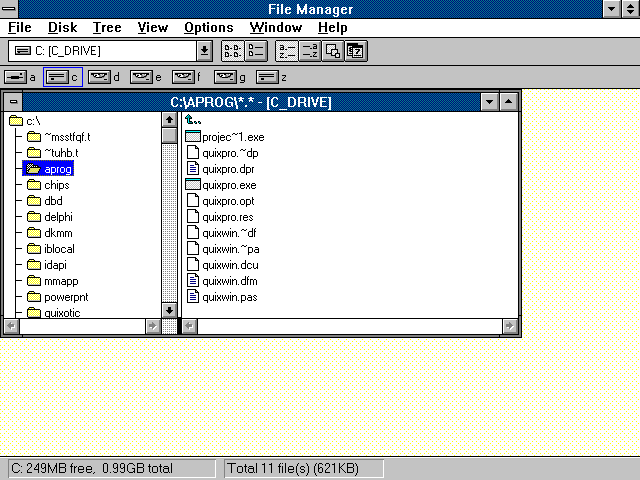
Windows 3.0 - 3.11 for Workgroups - the times before Explorer
Before Windows 95, there was no program that identifies itself as Windows Explorer. Instead, we would have WINFILE.EXE:
Windows 95 and multiple windows
The era of Windows 95 brought refreshed user interface with program called File Explorer. This version rendered files and folders each in separate window. If you opened a folder, a new window appeared. The users thought: aha! This came from this.

Windows 95 OSR 2 / Windows 98 and Internet Explorer
Microsoft had aggresive market strategy called Embrace, Extend and Extinguish. Internet explorer was created and shipped with multiple copies of Winows 98. This version of Explorer brought close integration with HTML and Web. This version of the program rendered its contents through SHEXVIEW.DLL.
Many people think that Internet Explorer lives in IEXPLORE.EXE. This was partially true, as running any process which launched view familiar from IE would do it through Shexview.
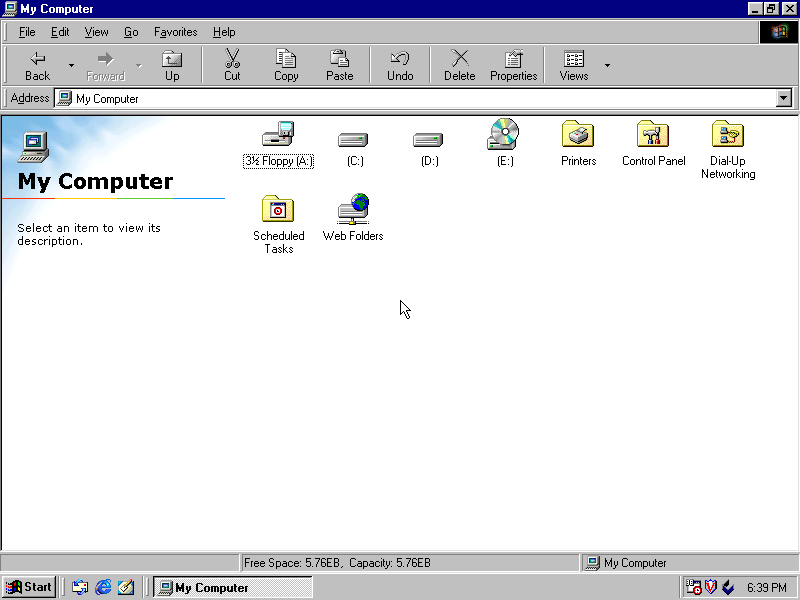
Bonus: If anyone can tell me how Explorer sees 5.7 EB on this setup, I would be grateful to find out.
Windows 2000 - XP
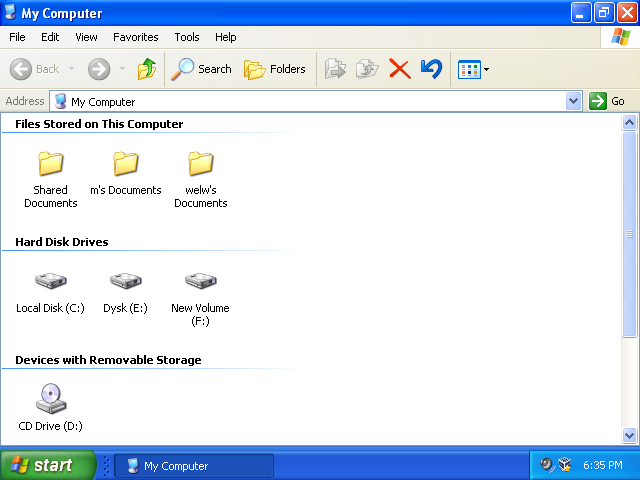
Not much really have changed, except for Microsoft introducing visual styles, which gave the system a refreshingly new look.
Windows Vista and 7
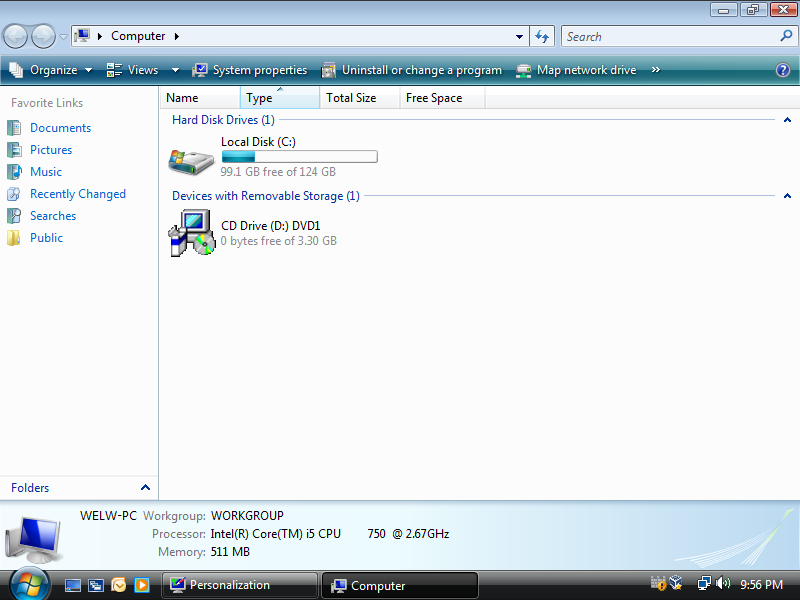
This is where the program got reworked once again. The version from Windows Vista is really similar to the one from Windows 7.
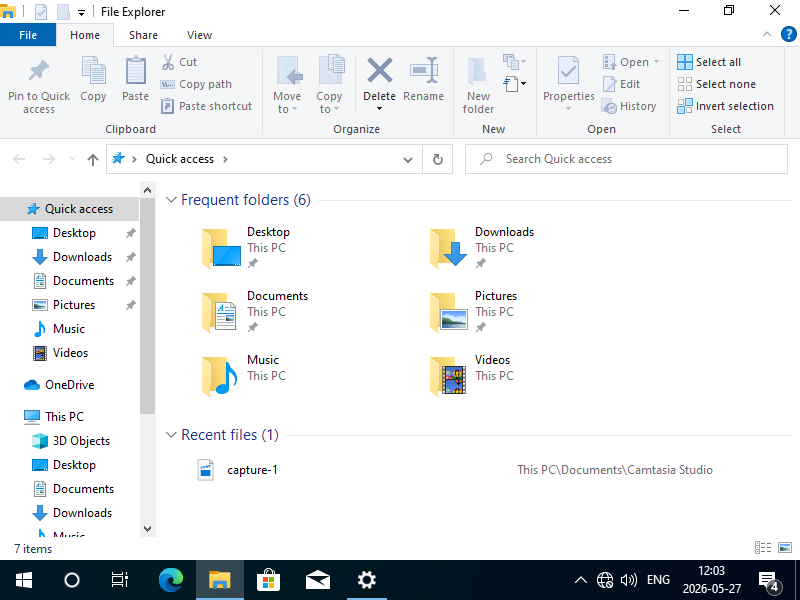
Windows 8 / 10
This version brought yet another lifting.
Windows 11
If you open Explorer in Windows 11, you may have noticed two windows actually appear. This is due to the fact that Windows 11 first renders old explorer from Windows 8, and then upgrades the window with new components built in UWP.
Explorer in Windows 11 uses XAML Islands to embed UWP controls in Explorer window. UWP is acronym for Universal Windows Platform. It was introduced back in Windows 8 with advent of Metro UI applications, which gained moderate popularity only to almost disappear in the next release of the system. This was initially connected to premiere of Windows Phone, which did not conquer the market either. UWP applications perform lots of activities before launch, like detecting whether current platform is a phone, tablet or a PC.
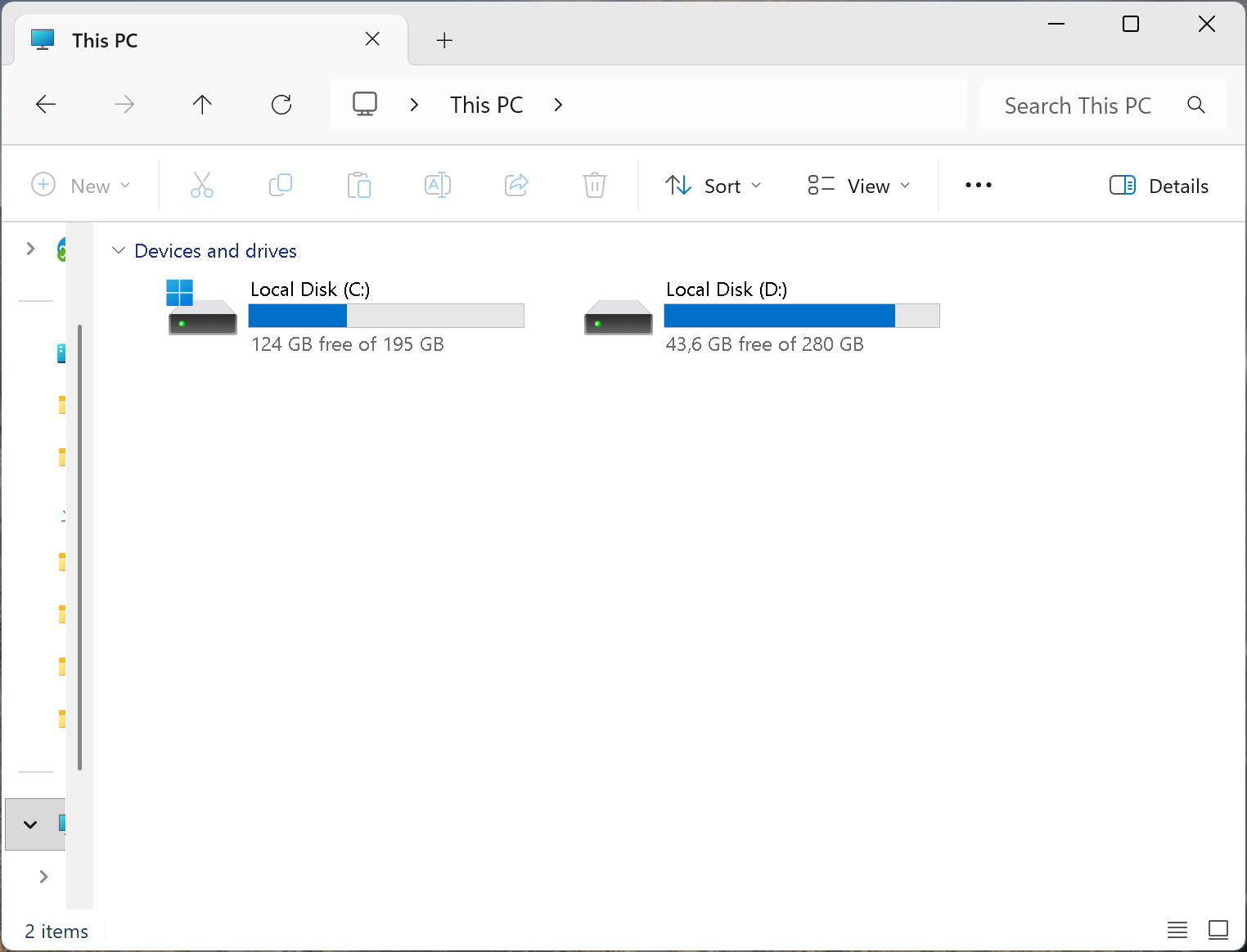
Despite Windows being more and more modern, it is sometimes a bit of a challenge for the platform to keep compatibility through over 40 years of its existence. Adding time pressure, sometimes the product comes shipped with fully tested, but unnecesarily complicated features. Explorer in Windws 11 is one of them. Nobody seems to be willing to rewrite Explorer from scratch, because the risk of breaking compatibility is too large. So to speak, we are here to live with whatever is served on the plate, or try some other solutions. Being Total Commander veteran, which I use since the very young age, I can't complain on the shell as I hardly see it.